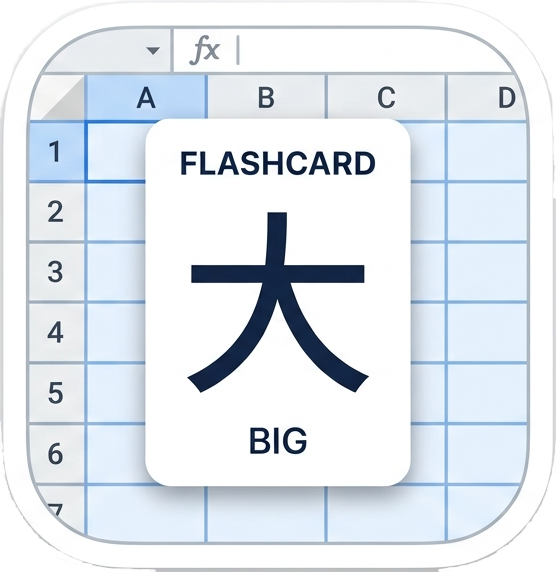
How it works
Put your vocabulary in Column A (term) and Column B (translation). Open Extensions → Hangil Flashcards → Review all cards and your deck is ready — no export, no copy-paste.
Each sheet tab is its own independent deck. Add as many as you like.
Column C is an optional second back field: fill in B and C to show both on the back, or leave B empty and use C on its own. A row becomes a card whenever Column A and at least one of B or C are filled.
See it in action
A quick walkthrough of installing and using Hangil Flashcards.

Features
Flashcard mode
Flip through shuffled cards with keyboard shortcuts. Jump back to any row to fix a typo.
Test mode
Multiple-choice and true/false questions drawn from your deck. See your score and review missed cards.
Progress tracking
Mark cards as Mastered, Learning, or Needs Practice. Filter your deck to focus on what needs work.
CJK & Thai fonts
Automatic script detection for Chinese, Japanese, Korean, and Thai with selectable Noto and other fonts.
Multi-language UI
Interface available in English, Korean, Chinese (Simplified & Traditional), Thai, Japanese, German, Spanish, Italian, and French.
Column C support
Add a third column for extra context — it appears alongside the translation on the back of the card, or stands in for it when Column B is empty.
Pricing
The first 100 rows of each deck are always free. A 14-day free trial unlocks the full deck. After the trial, a paid subscription keeps all features active.